

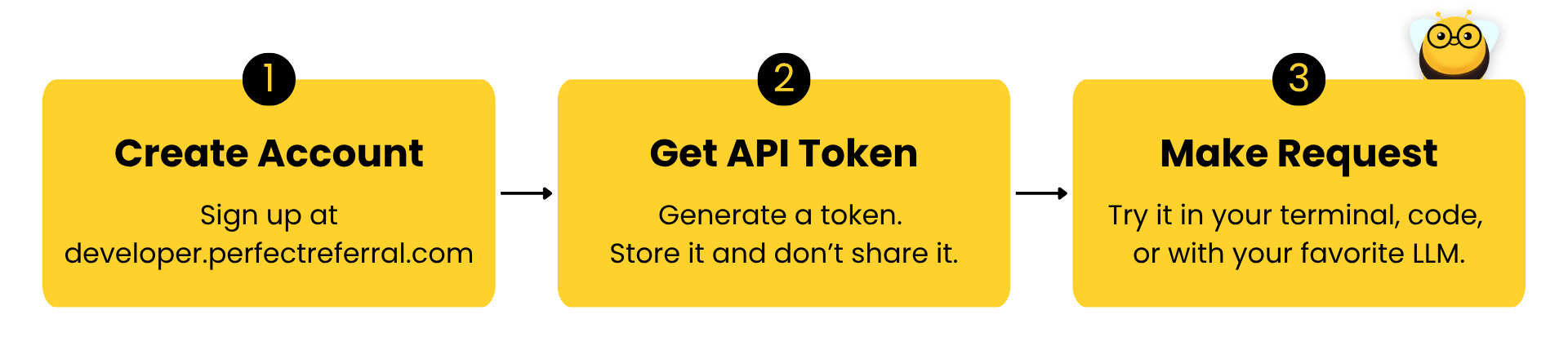
New to working with APIs? An API is just a way for your software to ask
ours a question and get a structured answer back. You will need an API token
to identify yourself, send a request, and read the response.
This guide assumes no prior experience and shows every step.
Create an account
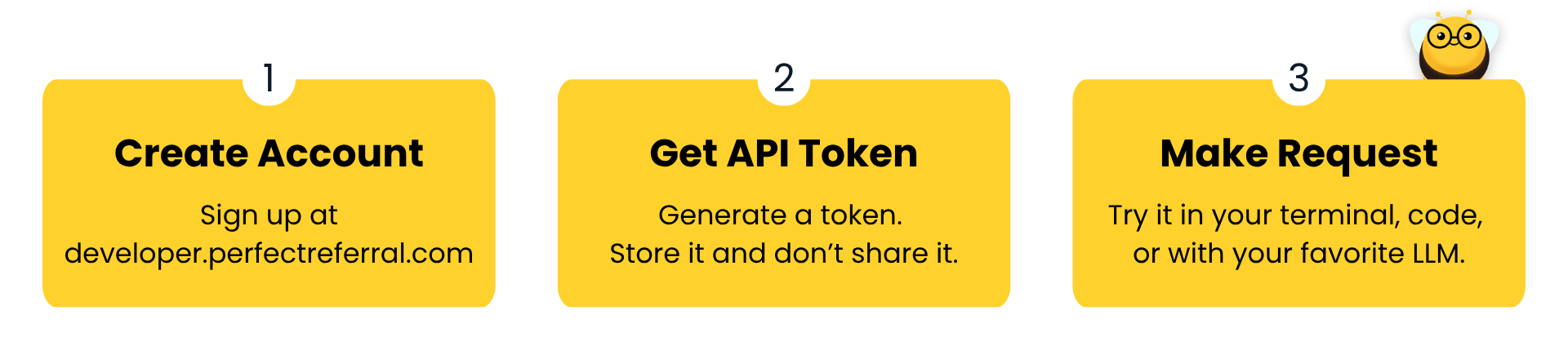
Sign up at developer.perfectreferral.com. You’ll use this developer portal to manage your account and API tokens.Create an API token
1
Open the API tokens page
Once signed in, go to the API tokens section of the developer portal.
2
Generate a new token
Click Create API token, give it a descriptive name (for example,
local-testing or production), and confirm.3
Copy and store it safely
Your token is shown only once. Copy it and store it somewhere secure,
such as a password manager.
Make your first request
Every request is authenticated with your API token sent as a Bearer token in theAuthorization header, and is made against the base URL:
GET /practitioners/{npiNumber} endpoint. Replace YOUR_API_TOKEN with the token
you just created and 1234567890 with the NPI you want to look up.
Understand the response
A successful request returns200 OK with core practitioner data and the available
model outputs. Each model has its own response field and label:
referralScopeMatches describes how well the practitioner fits a referral target,
while staleAffiliationRisk describes whether a practitioner-location affiliation
is active today.
The Methodology & limitations pages explain each model and its
labels.
Next steps
API Reference
Explore the full list of endpoints, parameters, and response schemas.